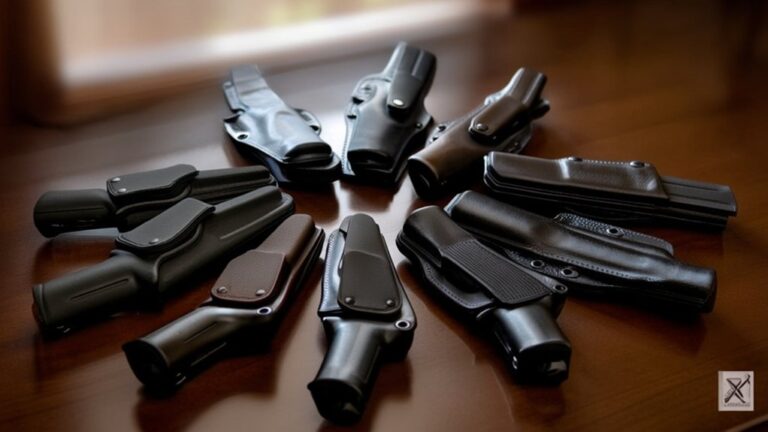
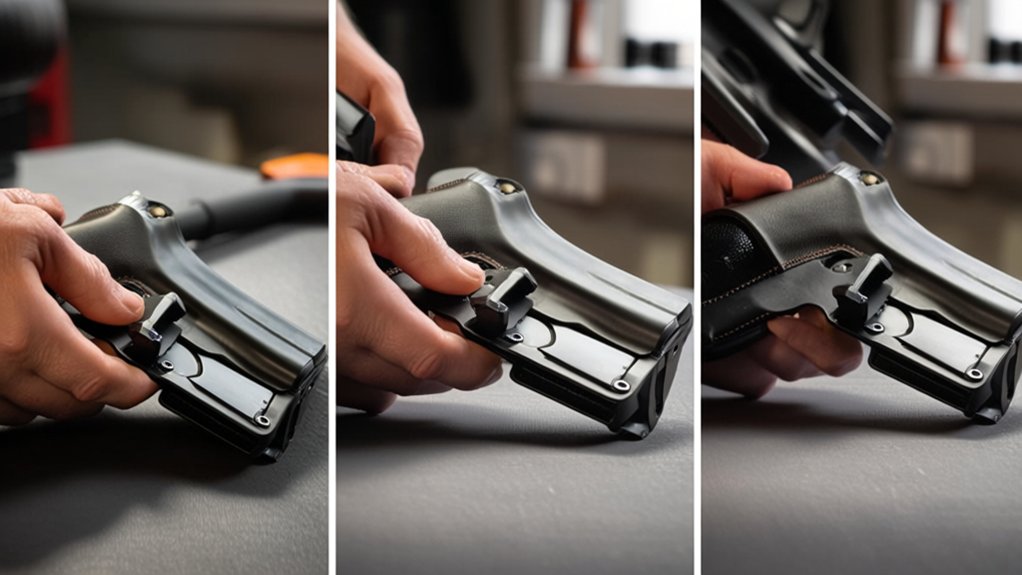
How to Install TrueNorth Modular Holster Adapter in 3 Easy Steps
First, gather your tools and clean your holster to guarantee the surface is ready and free of debris. Next, align the TrueNorth Modular Holster Adapter with the mounting points on your holster, then securely fasten it using the provided screws, tightening evenly to avoid wobbling. Finally, wear your holster to test for comfort and stability, making any necessary adjustments for a perfect fit. Keep going if you want tips on optimizing performance and durability.
Gather Tools and Prep Your Holster for TrueNorth Adapter Installation
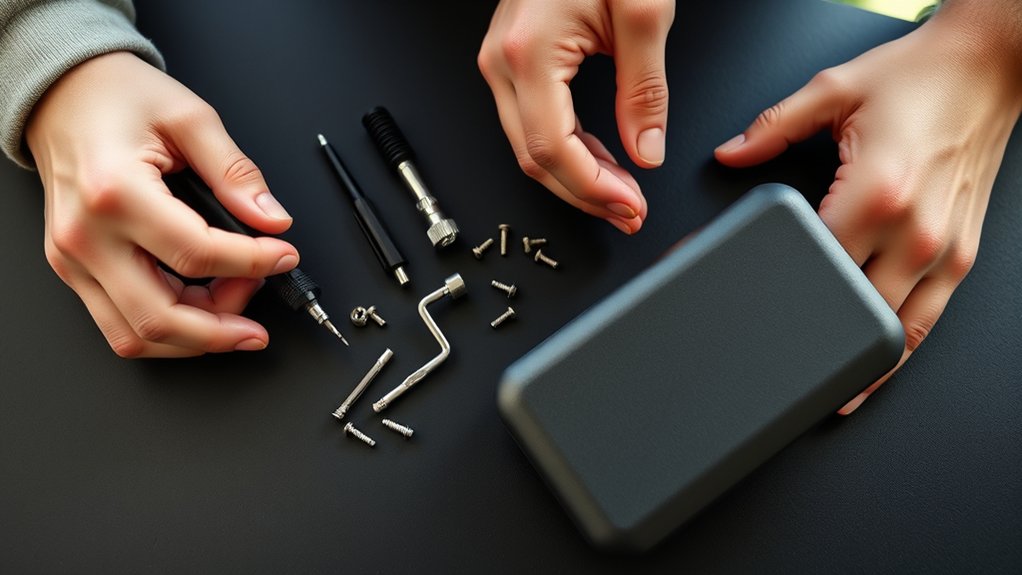
Before you begin the installation, make sure you have all the necessary tools handy and your holster cleaned and ready. You’ll need a screwdriver set, preferably with both Phillips and flathead tips, and a small wrench or Allen key depending on your holster’s hardware.
Clear a workspace where you can lay out the parts without losing anything. Next, inspect your holster for any dirt, dust, or old adhesive residue. Wipe it down using a soft cloth and a mild cleaner to guarantee a smooth surface for the adapter. Doing this prevents any interference during installation.
Finally, double-check that your holster is compatible with the TrueNorth Modular Adapter to avoid any fitting issues later on. Preparing thoroughly saves time and frustration.
Attach Your TrueNorth Modular Holster Adapter Securely
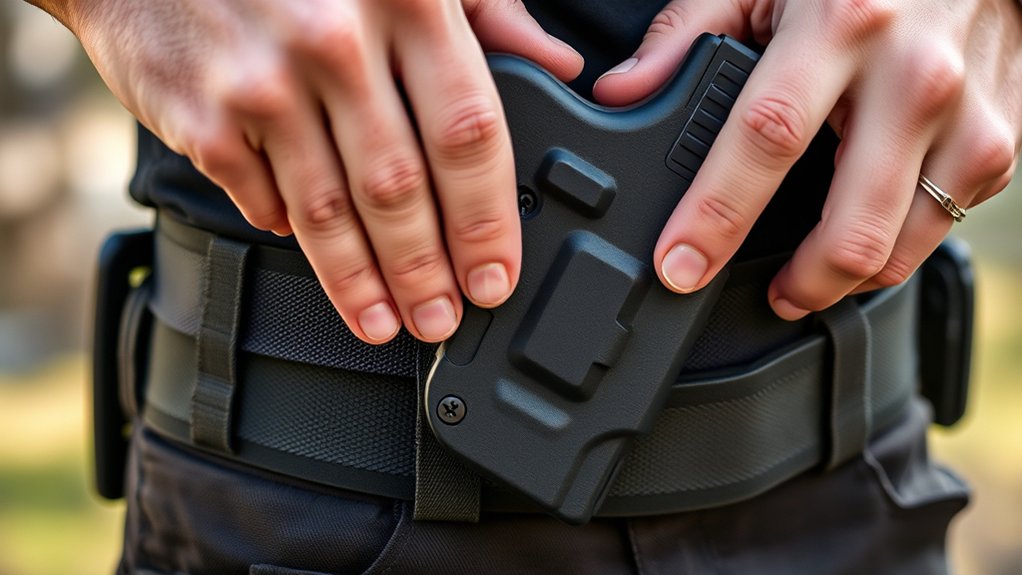
Once you have your workspace set and holster prepped, start by aligning the TrueNorth Modular Holster Adapter with the mounting points on your holster. Make sure the adapter sits flush against the holster’s surface without gaps.
Insert the screws provided through the adapter’s holes into the holster’s mounting points. Use a screwdriver to tighten each screw evenly, alternating between them to guarantee balanced pressure. Don’t overtighten, as this could strip the threads or damage the holster material.
Check that the adapter feels firmly attached and doesn’t wiggle. If your adapter includes washers, place them between the screw heads and the adapter for added stability.
Taking these steps will secure your TrueNorth Modular Holster Adapter, preparing it for proper use without risking loosening or damage.
Test and Adjust Your TrueNorth Adapter for Comfort and Performance
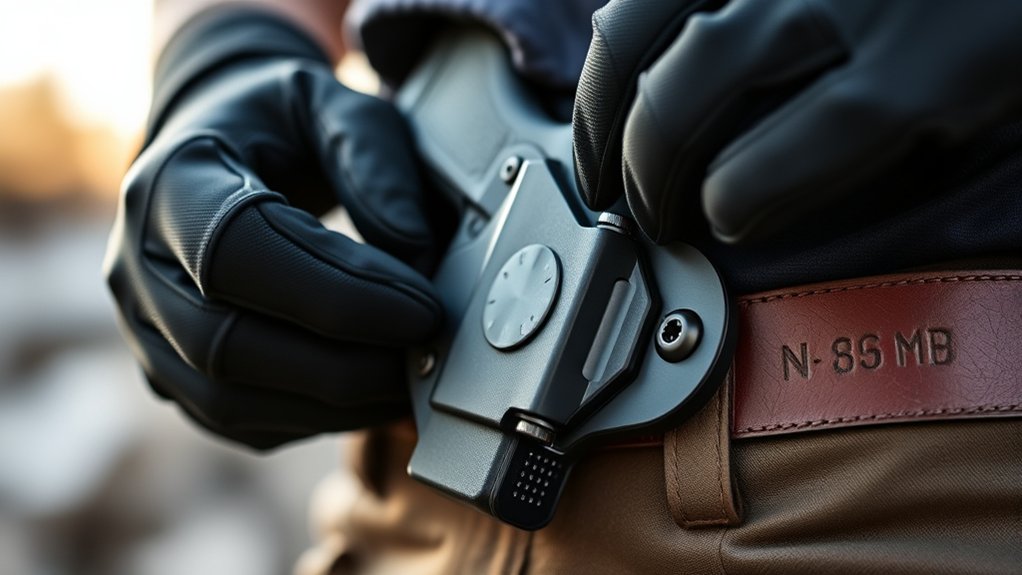
Although you’ve secured your TrueNorth Modular Holster Adapter, you’ll want to test its fit and function to guarantee maximum comfort and performance. Start by attaching your holster and wearing it in your usual position.
Move around naturally—sit, stand, and walk—to check for any discomfort or shifting. Make sure the adapter holds the holster firmly without restricting your movement.
If you notice any pressure points or looseness, adjust the adapter’s positioning or tighten its screws slightly. Re-test after each adjustment to find the perfect balance between security and comfort.
Frequently Asked Questions
Is the Truenorth Adapter Compatible With All Holster Models?
No, the TrueNorth adapter isn’t compatible with all holster models. You’ll need to check if your holster supports modular adapters or TrueNorth specifically. Always verify compatibility before purchasing to avoid any fitting issues or frustration.
Can the Adapter Be Installed Without Professional Tools?
You don’t need professional tools to install the adapter—just like assembling a simple bookshelf with a screwdriver. Many users report completing the process in under 15 minutes using only basic hand tools you probably already have at home.
What Materials Is the Truenorth Adapter Made From?
The TrueNorth adapter’s made from durable, high-quality polymer and metal components. You’ll appreciate its sturdy construction designed to withstand daily use while keeping your holster securely attached without adding unnecessary bulk or weight.
How Do I Clean and Maintain the Truenorth Adapter?
Think of your TrueNorth adapter as a trusted steed—wipe it down with a damp cloth, avoid harsh chemicals, and check screws regularly. This care keeps it swift and steady, ready for every ride you take.
Are There Warranty Options Available for the Adapter?
Yes, you’ve got warranty options for the TrueNorth adapter. Typically, they offer a limited warranty covering defects. Check their website or contact customer service to confirm specific terms and how to register your product for coverage.
Conclusion
Now that you’ve installed your TrueNorth modular holster adapter, you’ll enjoy a customizable fit that enhances comfort and quick access. You might worry it’s complicated, but following these simple steps makes installation straightforward and fast. With just a few tools and adjustments, your holster will perform better than ever. Give it a try—you’ll appreciate the improved convenience and confidence it brings to your everyday carry.